
Zapier is widely known for connecting different tools and automating workflows, but when combined with server-side tracking, it becomes a powerful bridge between your analytics data and business operations.
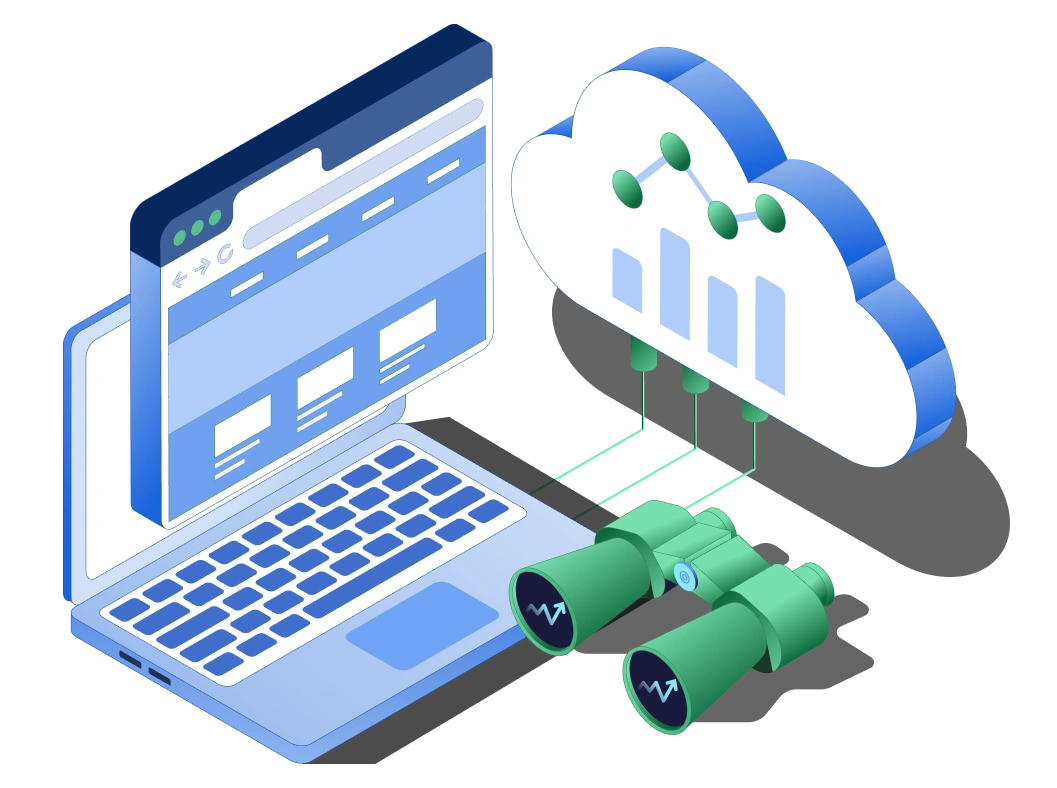
With server-side tracking, you can send clean, structured event data directly into Zapier, triggering automated workflows in real-time. This allows you to connect your tracking system with CRM tools, email platforms, reporting dashboards, and internal systems.
Instead of relying on delayed or incomplete browser data, server-side tracking ensures that Zapier receives accurate event data instantly. This makes automation more reliable and actionable.
For example, you can trigger workflows when a lead is generated, a purchase is completed, or a specific event occurs — all based on server-validated data. This integration is especially valuable for businesses looking to automate processes and improve operational efficiency.
It ensures reliable and real-time event delivery for automation workflows.
Zapier connects your tracking data with hundreds of apps, enabling powerful automation.
ROI-FOcused Campaigns For US Businesses
All campaigns include free audit + monthly ROI reporting
We have expert of the best skill dedicated team which manage your requirements
We have expert of the best skill dedicated team which manage your requirements